
How to Track Your Betting Results on BettorEdge
See every settled bet in one place: your results by week, month, year or all time, with a calendar of winning and losing days.
Before you start
- •Results come from your settled positions. A position lands in History once its contest ends or you sell out of it.
- •Open positions and working orders are on the main Portfolio page.
Prerequisites
- •A BettorEdge account with some settled bets.
- 1
Open Portfolio
Portfolio shows what's open now: portfolio value, what's at stake, what it can win and any working orders.
- 2
Tap History and pick a period
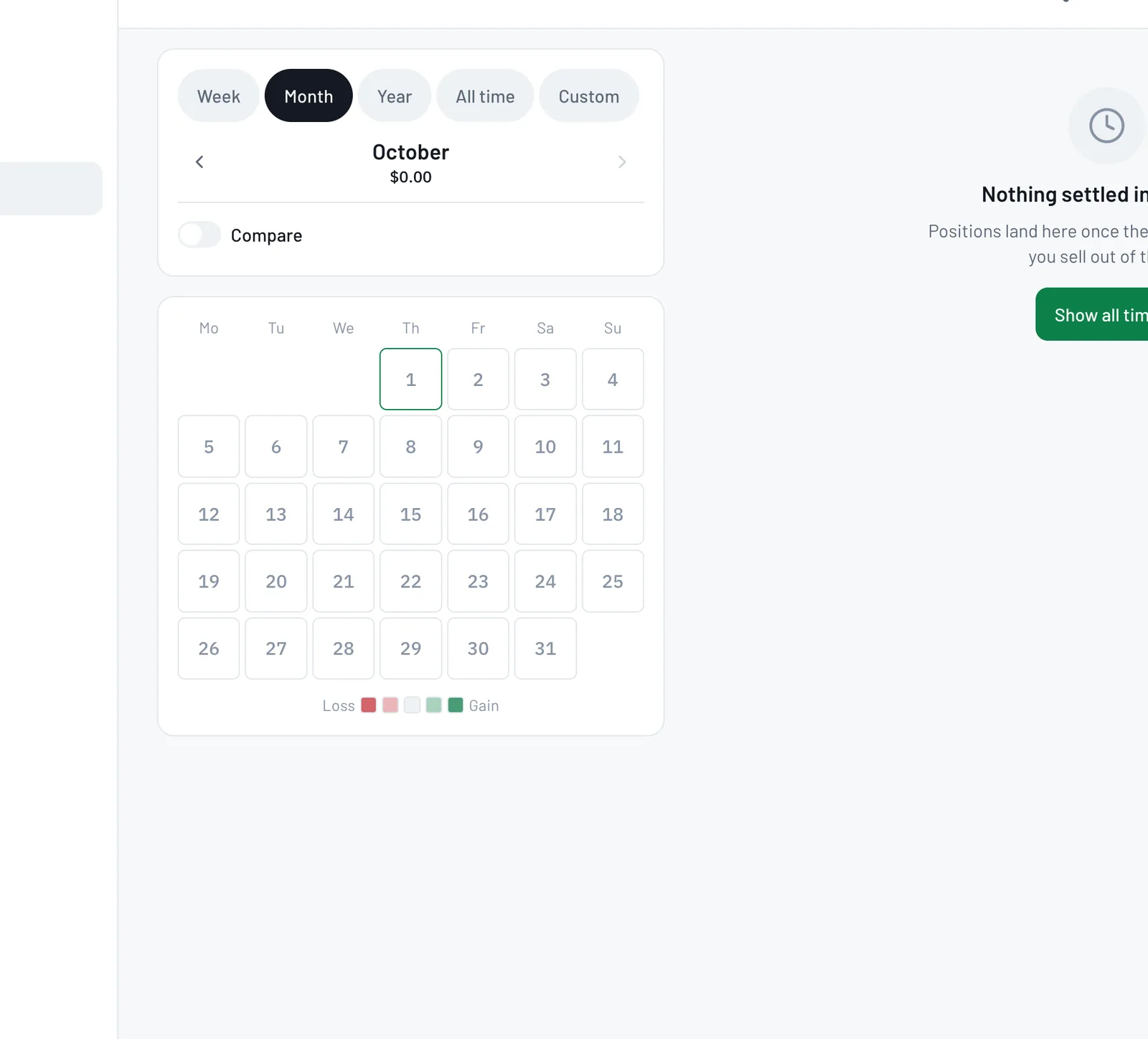
Tap History. Choose Week, Month, Year, All time or a custom range. You'll see your net P&L and return for that period, win rate, record and a running P&L chart. The calendar shades each day by gain or loss; tap a day to see what settled.
Tips
- •Use Compare to line up one period against another.
- •Your record is automatic: no spreadsheet needed.
Questions
When does a bet show up in History?+
Once its contest ends or you sell out of the position.
Do hidden trades count toward my record?+
Yes. Hiding a trade only keeps it off your network's feed.
Expected outcome
You can see how you're doing over any period and spot your best and worst days.
Try it on BettorEdge.
Create your account and follow along in the app. Sign up for a shot at up to $100. No deposit needed.
Questions? Ask on r/BettorEdge, where the BettorEdge team answers.